 Persona
Get the app
Persona
Get the app
Studio-quality AI portraits from your selfies
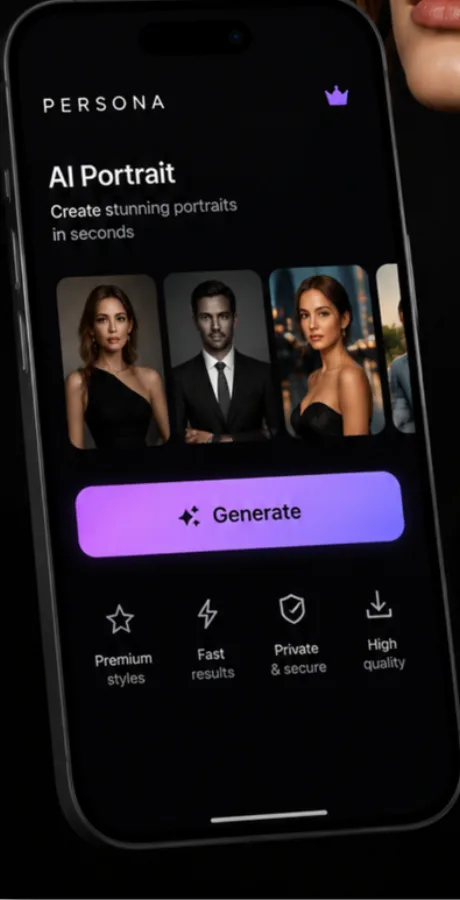
Persona turns a few selfies into professional headshots, eye‑catching avatars and creative AI portraits — no photographer, no studio, no editing skills required.
 Free to download · Persona Pro unlocks all styles
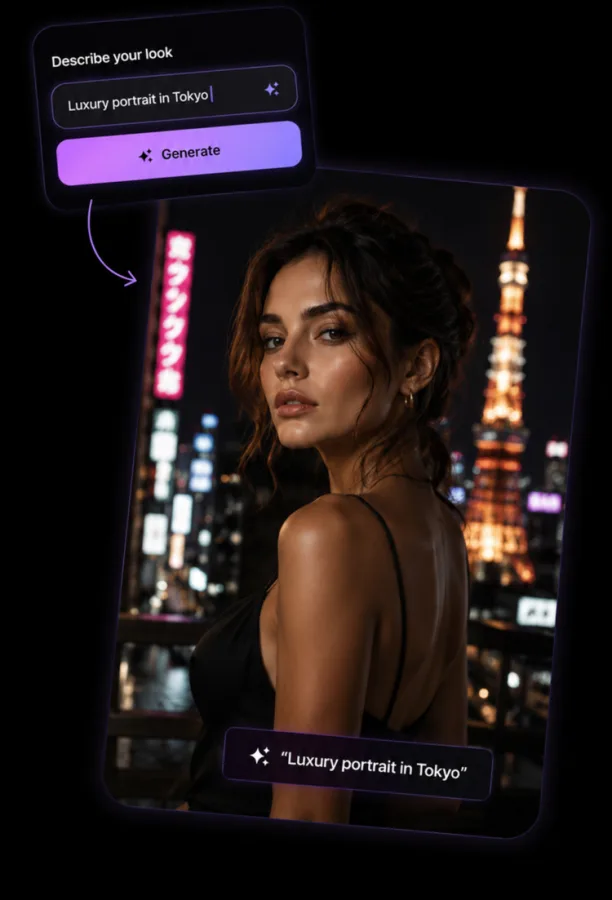
Custom AI Prompts
Describe any look. Persona creates it.
Don't want to pick a template? Type what you're imagining — "luxury portrait in Tokyo," "cinematic rooftop at golden hour" — and Persona's AI generator builds a fully custom photo from your own selfie.
- Free‑text prompts for a fully custom AI portrait
- A new result in about 5 to 20 seconds
- HD photos you can save and share
Professional Headshots
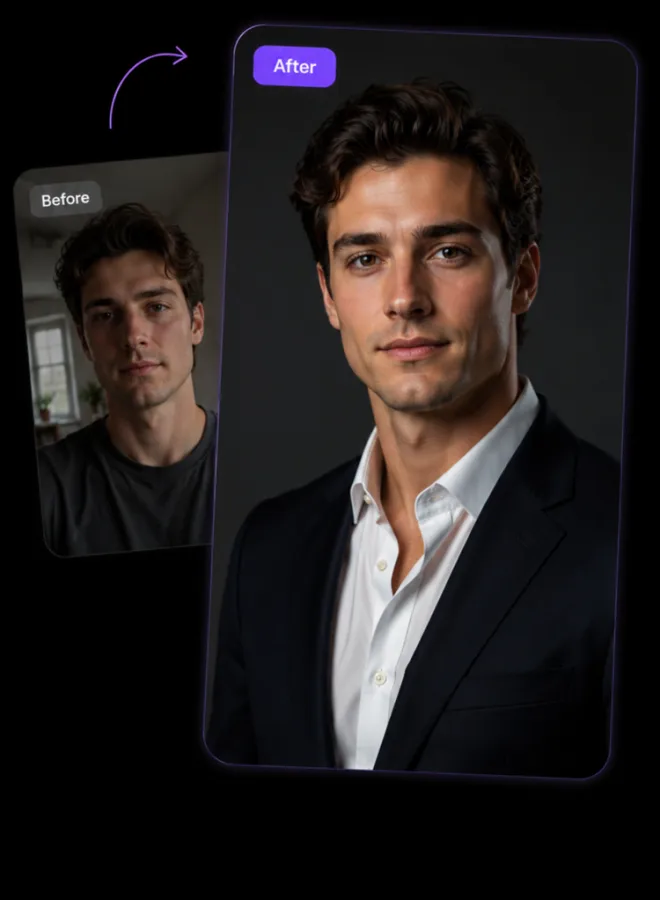
Pro headshots without booking a studio
Upload a casual selfie and get back a polished, professional headshot — perfect for LinkedIn, resumes, work profiles, or simply a better photo of yourself.
- Business‑ready headshots for LinkedIn & resumes
- No photographer or studio needed
- Explicit in‑app consent before any photo is processed
Explore Styles
45+ AI styles to explore
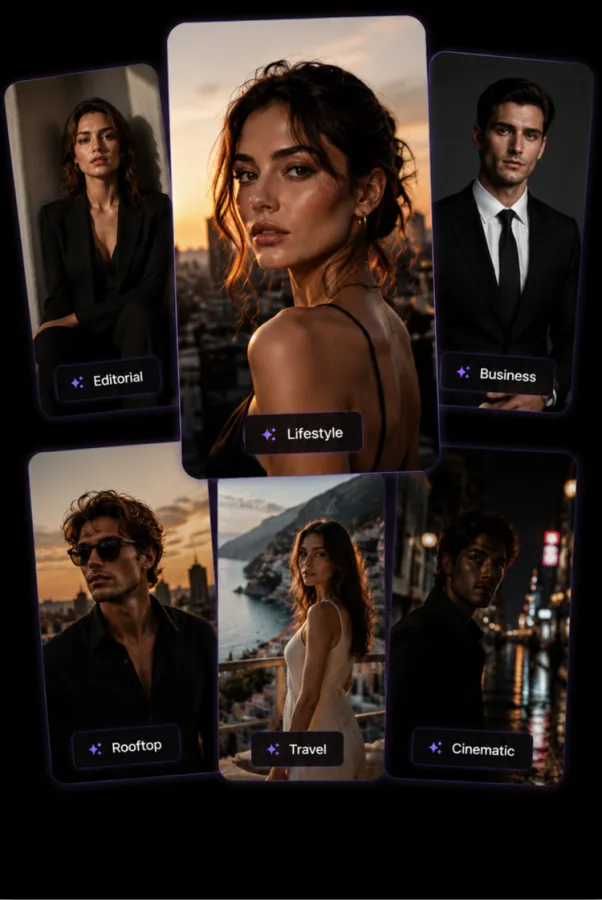
Editorial, lifestyle, business, travel, cinematic and more — browse curated style templates or mix your own, then build fresh avatars and profile pictures for social, dating and gaming.
- Avatars & profile pictures for social and dating apps
- Personal gallery to revisit and re‑download anytime
Why Persona
Built for real people, not a photo studio budget
How does Persona turn selfies into AI portraits?
Upload one clear selfie, choose a style — or describe your own in a text prompt — and Persona's AI generator creates a studio‑quality portrait in about 5 to 20 seconds.
Is Persona free?
Persona is free to download and try. Persona Pro is an optional subscription (from $4.99 per week in the US) that unlocks every style and gives you credits to keep generating. The subscription screen shows a 3‑day free trial, with 5 generations, when your Apple ID is eligible.
Can I write my own custom prompt?
Yes — the Custom tab lets you describe any look in your own words, and Persona generates an AI portrait from your selfie based on that description.
Is my photo data private?
Persona asks for explicit in‑app consent before any photo is sent for AI processing, and your results are saved to your own on‑device Studio gallery.
How do I cancel my Persona Pro subscription?
Manage or cancel anytime in iPhone Settings → Apple ID → Subscriptions. Subscriptions auto‑renew unless canceled at least 24 hours before the end of the period.
Support
Need help with subscriptions, restoring a purchase, AI generation, or a privacy question? Email us — include your device model, iOS version and app version if you can.
Subscriptions (iOS). Manage or cancel in Settings → Apple ID → Subscriptions. Use Restore on the in‑app paywall if you already purchased on this Apple ID.
Guides
Guides: AI headshots and profile photos
How to make a professional headshot from a selfie on iPhone
Steps, limits and when to use a web service instead.
Cheaper alternative to Aragon AI and HeadshotPro
Honest price and feature comparison, including where they win.
Best dating profile photos from selfies with AI
What works, what to avoid, how to stay recognizable.
AI photoshoot app that keeps your face
A 3-minute likeness test.
Meet a better version of your photos
Open Persona, upload a selfie, and get studio‑quality AI portraits in seconds.